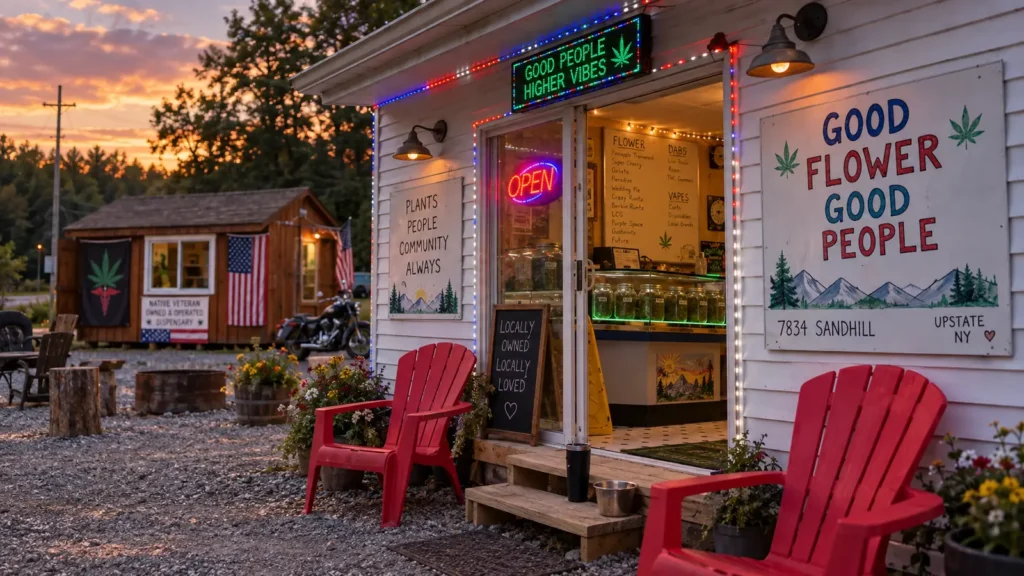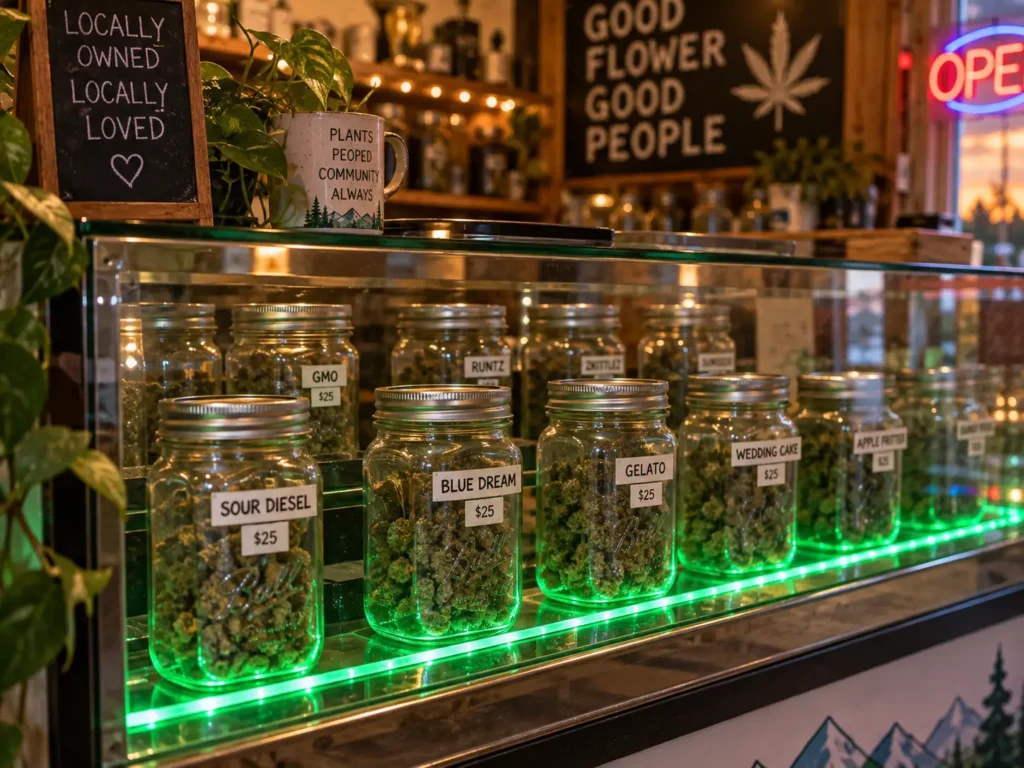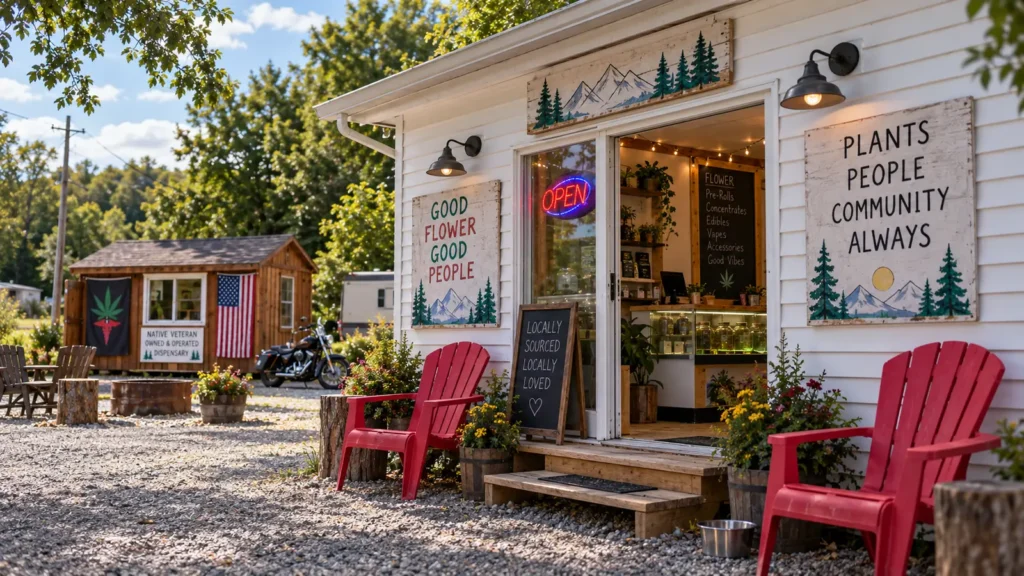
Sometimes you know what you want before you get to the store.
That’s where pre-ordering comes in.
MuMu’s allows customers to browse the current menu online, reserve products ahead of time, and pick them up at the store.
There’s no need to pay online during the current ordering process.
Here’s how it works.
1. Browse the Menu
Start with the online menu.
You can browse products by category, including:
- Flower
- Pre-Rolls
- Vapes
- Concentrates
- Edibles
For flower, you can also compare different strains, sizes and price levels.
Because inventory changes regularly, the online menu is the easiest way to see what’s currently available before heading to the store.

2. Choose Your Products
Open a product to see its available options.
Depending on the product, that might include:
- Size
- Price
- Strain type
- THC information
- Current availability
Choose the option you want and add it to your pickup order.
You can continue browsing or go directly to checkout.
3. Reserve Your Order
When you’re ready, review your order and submit the pickup reservation.
We keep checkout intentionally simple.
You don’t need to create an account just to reserve an order.
The goal is to get you from the menu to a completed reservation without unnecessary steps.
4. Choose Your Pickup Location
MuMu’s operates multiple locations.
When placing the order, select the store where you want to pick it up.
Current MuMu’s locations include:
Irving<br>11146 Southwestern Blvd<br>Irving, NY 14081
Tonawanda<br>7834 Sandhill Rd<br>Basom, NY 14013
Make sure you choose the correct location before submitting your reservation.
5. Pick Up Your Order
Once your order has been received and prepared, head to the selected MuMu’s location.
Your products will be waiting for pickup according to the store’s current order process.
6. Pay at Pickup
MuMu’s does not currently require online payment through the website for standard pickup orders.
Reserve online, then pay when you pick up the order.
It keeps the process simple and lets you secure what you want before making the trip.
Why Pre-Order?
Pre-ordering is particularly useful when:
- You already know what you want
- You’re coming for a specific strain or deal
- You’re traveling to the store and want to check availability first
- You want to spend less time choosing once you arrive
- You’re buying a larger order and want the store to have it ready
It doesn’t mean you can’t ask questions once you get there. It simply gives you the option to plan ahead.
What If You’re Not Sure What to Order?
That’s fine too.
You can browse the menu before coming in and use it to get an idea of:
- What strains are currently available
- What different price levels look like
- What deals are running
- Which categories interest you
Then talk to the team when you arrive.
You don’t need to know exactly what you want before visiting MuMu’s.